

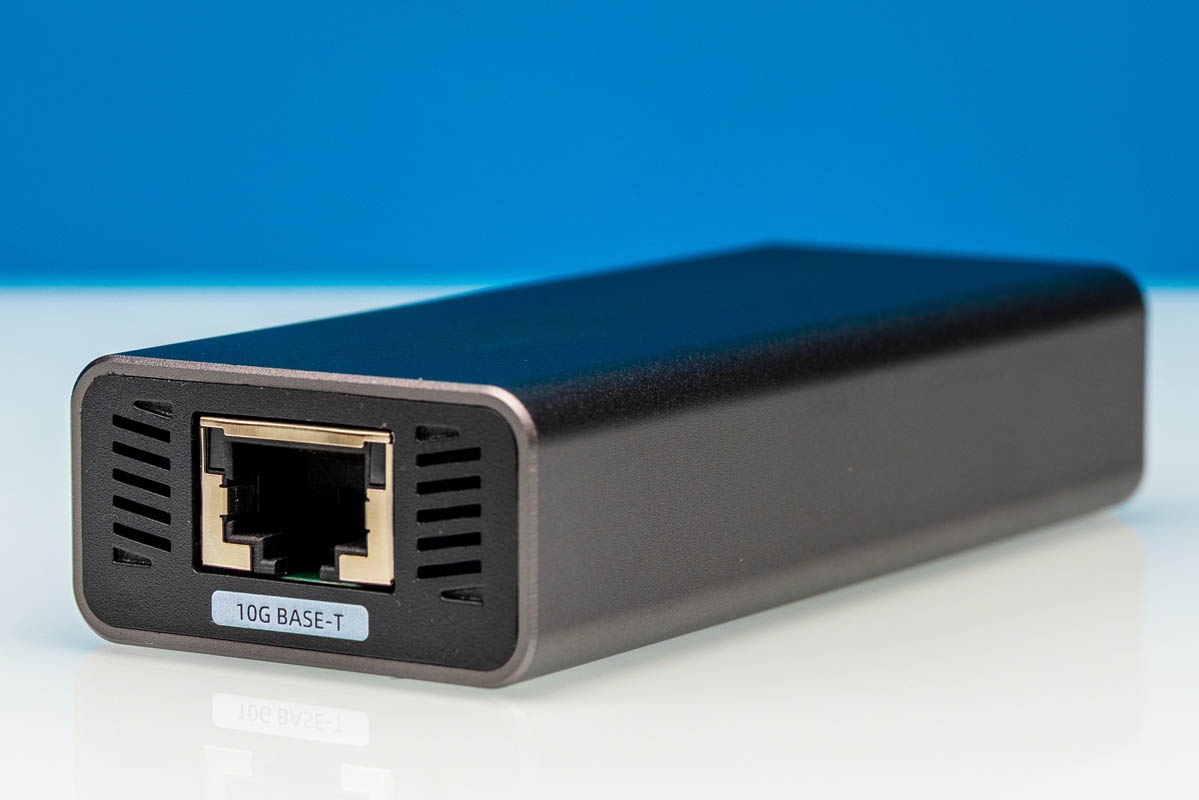
The XikeStor SKN-U310GT is a USB to 10Gbase-T adapter built around the Realtek RTL8159 chipset. The reality of using these is that for most USB ports, you will not get full 10GbE speeds. Still, it is pretty easy to go faster than 5GbE adapters once the proper drivers are installed. Also, unlike a PCIe adapter, an advantage of this one is that you can simply plug it into an Ethernet cable connected to a 10GbE switch and get higher speed networking to a variety of devices that may be visiting your setup. We have had this adapter for some time, and figured it would be worth doing a mini review of it.
Here is an Amazon affiliate link to where we purchased our unit.
XikeStor SKN-U310GT Hardware Overview
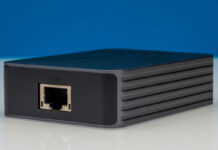
The adapter features a compact aluminum enclosure with a silver finish, measuring 99 x 42 x 22 mm. The build quality is solid, with the metal chassis surround serving as both protection and heat dissipation for the internal components.
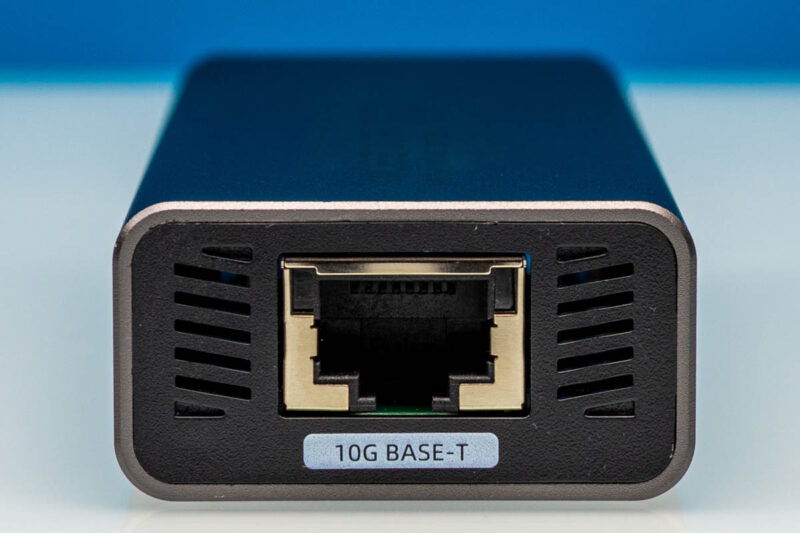
The front face houses the 10Gbase-T RJ45 port, which supports standard Ethernet speeds from 100Mbps up to 10Gbps. If you have a 2.5GbE or 5GbE port you are connecting to, this device will connect at those speeds as well.
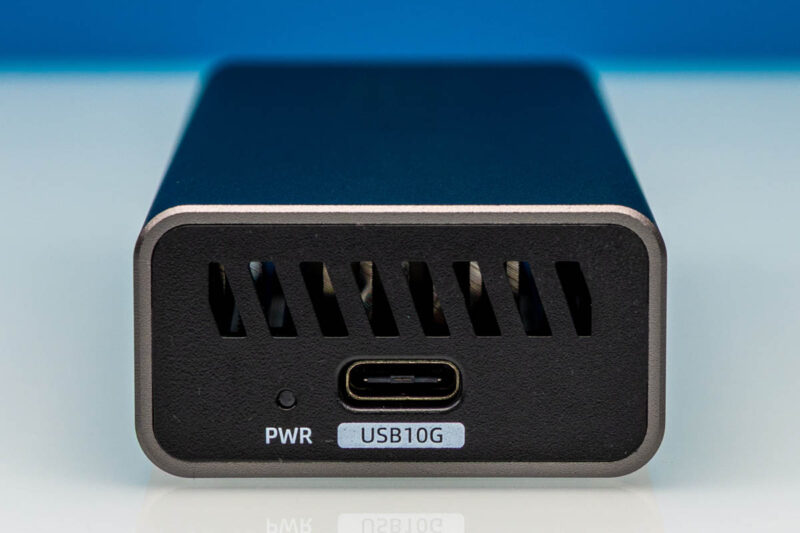
The opposite end features a USB Type-C connector that serves as both the data interface and power input. This is a USB 3.2 Gen 2×2 port capable of up to 20Gbps theoretical bandwidth, though the RTL8159 chipset limits actual network throughput to 10Gbps. For some systems, USB 3.2 Gen2x2 20Gbps ports are common. On the other hand, if you have a Mac with USB4, then you will be stuck at USB 3 10Gbps speeds. You might think that a 10Gbps USB port is well matched for a 10GbE device. With the USB overhead, you can get over 5Gbps speeds, but you will not get full 10GbE speeds over a 10Gbps USB port. Needless to say, USB 3 5Gbps ports will leave you under 5Gbps of network throughput.
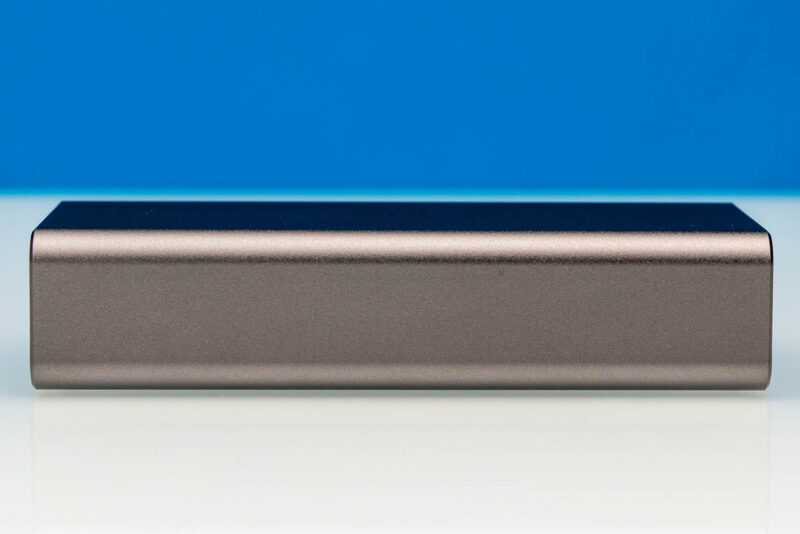
The side profile shows the slim form factor and clean lines of the aluminum enclosure. There are no status LEDs visible from this angle, keeping the aesthetic minimal.
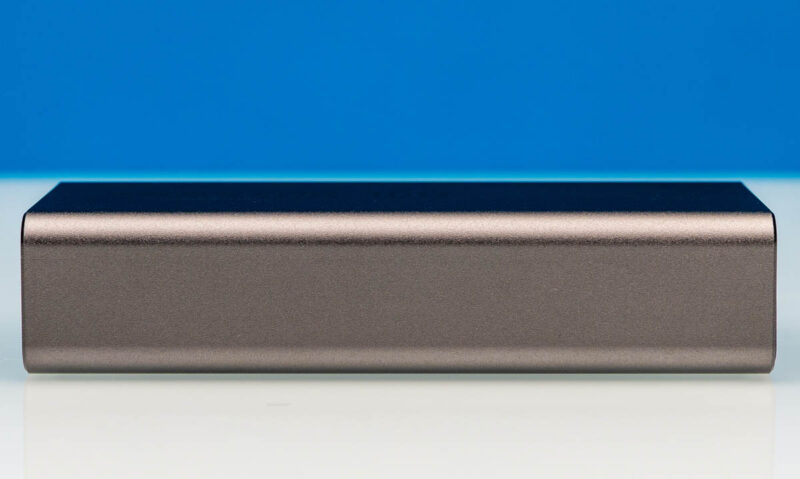
The opposite side maintains the same clean design. The aluminum chassis has a brushed finish that resists fingerprints and provides a good grip.
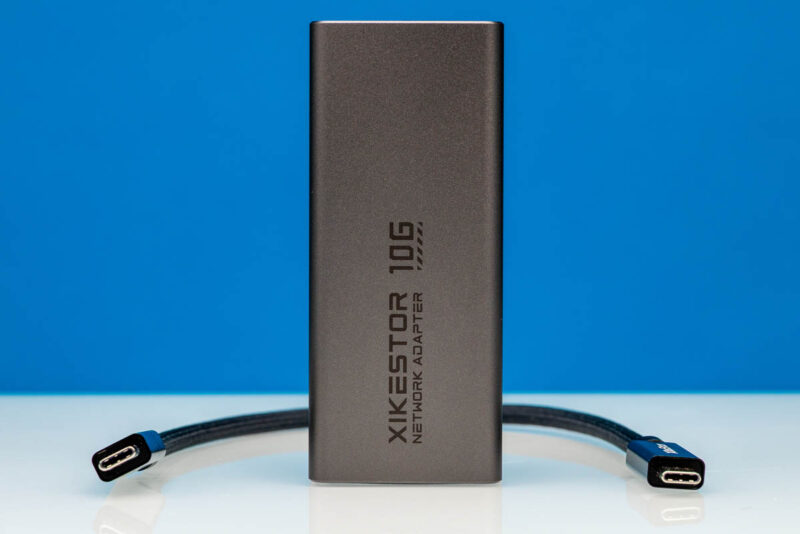
The included USB-C to USB-C cable allows direct connection to modern laptops, tablets, and desktops with USB-C ports. The cable quality appears adequate for the intended use. This is not a super-long cable by any means.
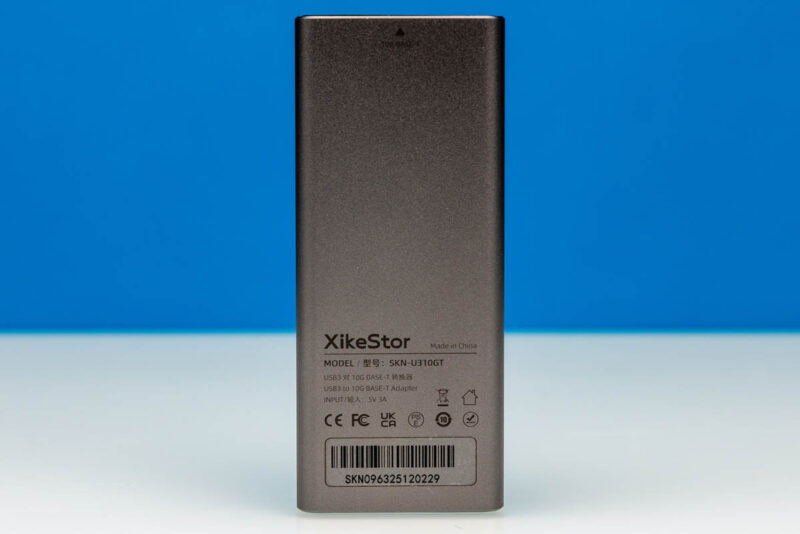
Overall, a nice part about this device is that you are just using USB Type-C to do the physical connection making it versatile and accessible for many who do not want, or cannot, open a system to install a NIC.
Next, let us fire the NIC up and get it working.

Curious why you don’t just use the terminology Multi-GbE capable, or 802.3bz? It would save you some words around “it can also do 2.5GbE and 5GbE”.
Or has marketing eroded the meaning of the terminology and designation at this point?
Also… why would USB4 limit you to 10Gbps speeds? That makes no sense on the face of things. Can you explain more?
Because thats how RTL8159 works with USB4, not because of USB4 itself
Is the usb-c power meter able to pass through faster than usb 2.0 data rate?
I have the same tester that they’re using. It does and it’ll even tell you if a port is TB3 TB4, does logging, and much more. Meco — you’ve probably seen Jeff Geerling’s piece. STH is using a much better test device.
I bought a similar item by “Sabrent” a few days ago. I’d say this XikeStor model is better looking from the photos, but I guess it’s subjective. Mine runs full line rate, no added latency, stays cool, and eats everything I’ve thrown it so far.
Not sure why I never considered something like this before. I’ve found USB 4 to 10gbe is a convenient option when I can’t fit a pcie card, like in SFF builds, or just for flexibility.
USB 3 Gen2x2 support is such a mess. While conceptually it’s a reasonable standard, the fact that it’s the only USB 3 mode to use multiple lanes means that it has never been very well supported. And that problem goes all the way back to Intel’s Thunderbolt 3 controllers, which couldn’t support USB 3 Gen2x2 even though they could pass 40Gbps of data.
I really wish peripheral manufacturers would just use USB 4 Gen2x2 to get to 20Gbps instead. They could still fall back to USB 3 Gen2x2 if need be, but all USB 4 hosts support that spec’s Gen2x2 mode. I get why they don’t (costs), but 20Gbps over USB 3 is the least well supported way to get there.
10 bucks it cant sustain near 10gbe for more than 5 minutes. if it could it would have been part of a proper test scenario… plus this is realtek, of course its going to crash n burn.
Any idea how to open the case?
Opening the case is probably one of those screws on one end, slide guts out on a sled arrangements. I picked one up based on this article, wifi only on a laptop sucks for testing. Realteks driver works in windows 11 and throughput matches results here.
I tried this on a Mac Pro 2013, attached to the 10-gigabit USB port of a CalDigit TS3+ dock (the Apple TB3 to TB2 adapter is bidirectional). I only got like 1 to 1.5 gigabits out of it. Apple’s CDC-NCM driver seems to devour CPU like crazy.
I tried it on a Surface Pro 11 (Snapdragon X1 Plus X1P42100), and it seems to link up at 10-gigabit USB speed, but I only get about 1.9 to 2 gigabits of throughput.
I tried it on the downstream USB4 port of a CalDigit TS4, connected in USB4 mode to the ASM4242 controller on my motherboard. Despite the ASM4242 being capable of Gen2x2, it seems to link up at 10-gigabit USB mode, and a speed test only gives 5 gigabits of throughput.
The only place I’ve gotten 9 gigabits of throughput is when I have it hanging directly off the ASM4242, where it links at 20-gigabit USB mode.
I’ll probably return it, because it’s expensive for what I can get it to do. Maybe I’d have better luck with a Marvell controller over PCIe tunneling. A ConnectX4 over PCIe tunneling would be even better, but Apple’s Mellanox driver completely disables system sleep!