

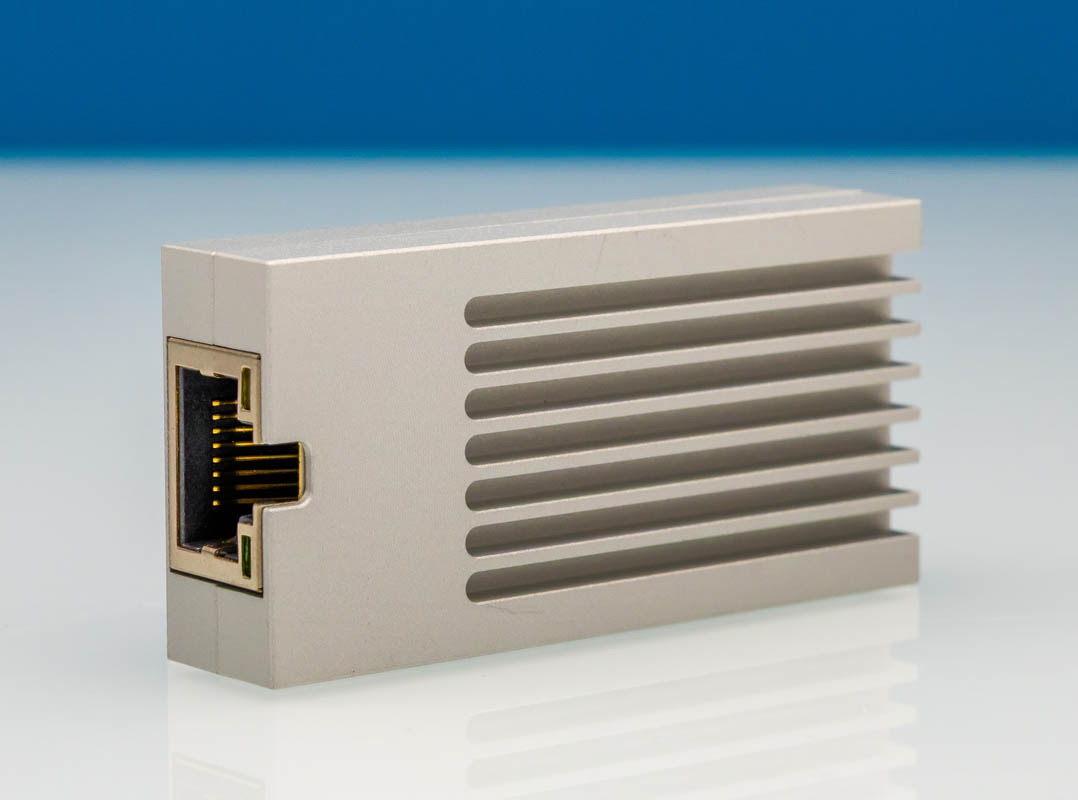
The WisdPi WP-UT9 USB 10GbE Adapter brings 10Gbase-T networking to laptops and small form factor systems through a USB Type-C connection. Inside the compact aluminum housing sits the Realtek RTL8159 controller, the same chipset we saw in the Xikestor SKN-U310GT adapter earlier this year.
Here is an Amazon affiliate link to where you can purchase one.
WisdPi USB 10GbE Adapter Hardware Overview
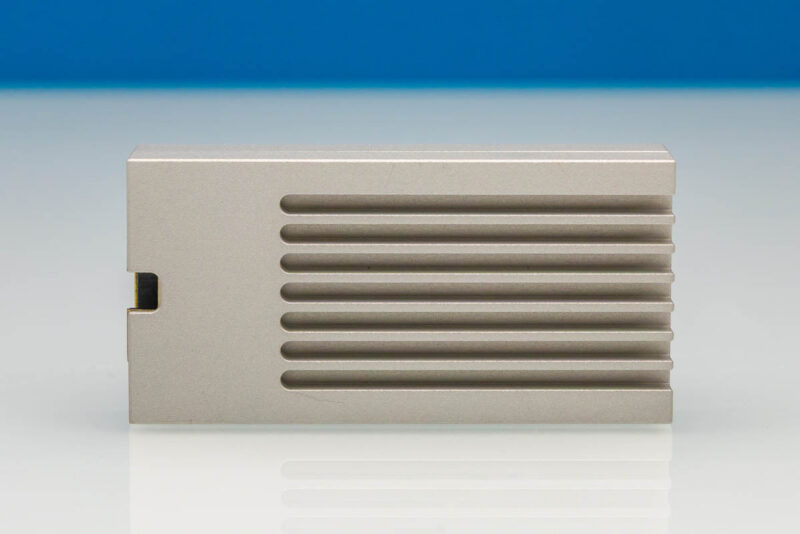
The WisdPi arrives in different packaging than the Xikestor unit, but the functional design follows a similar formula. A small metal enclosure has an Ethernet port on one end and a USB Type-C port on the other. A straight-on top view shows the ridged aluminum housing. Its metal shell helps move heat away from the controller and 10Gbase-T PHY.
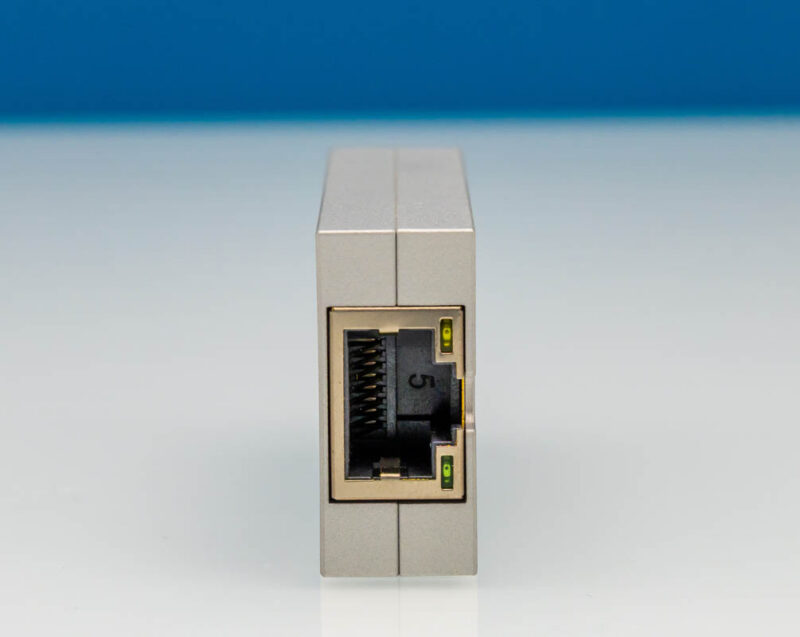
One end houses the 10Gbase-T RJ45 port. This port supports standard Ethernet speeds from 100Mbps up to 10Gbps, including intermediate rates like 2.5GbE and 5GbE when connecting to multi-gig switches.
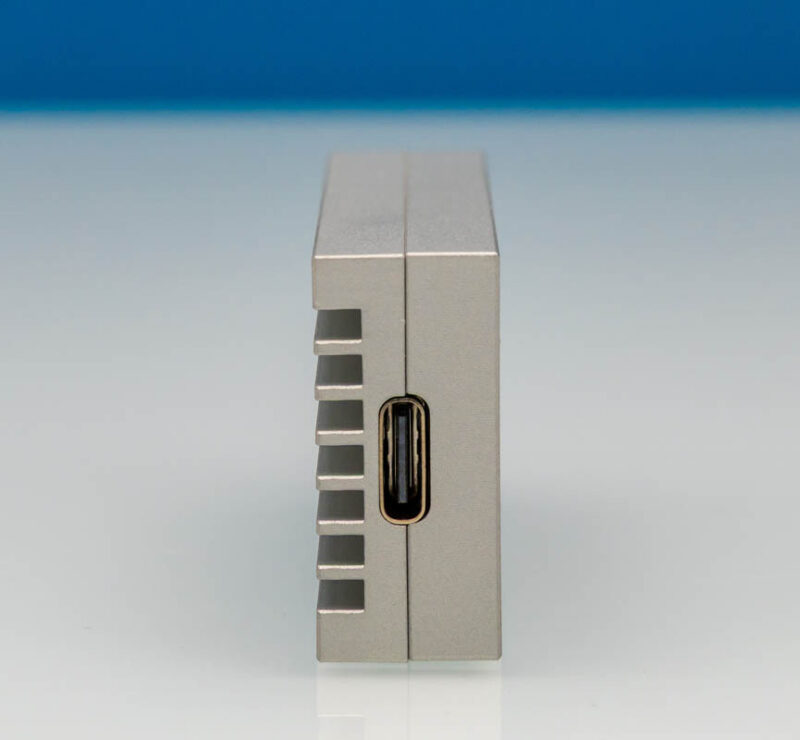
Opposite sits the USB Type-C connector, which serves as both a data interface and a power input. The adapter draws all its power from the USB port, eliminating the need for an external power brick.
Uncharacteristically, one of the most interesting features is the USB Type-C to USB Type-C cable in the box. Cable quality is adequate for the intended use, though it is not particularly long. Users who need more reach may want to source their own longer USB-C cable. Still, it looks so cool compared to other USB adapters, which come with a boring, round black cable. Not here.
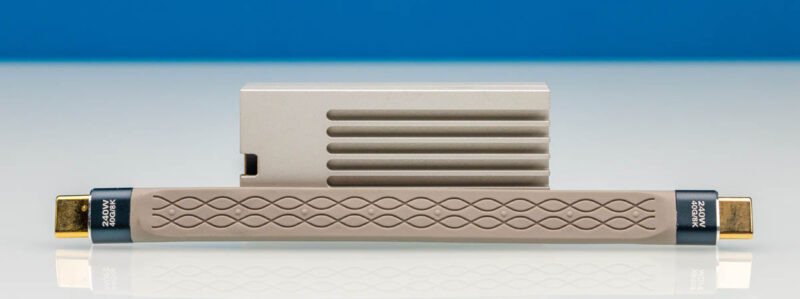
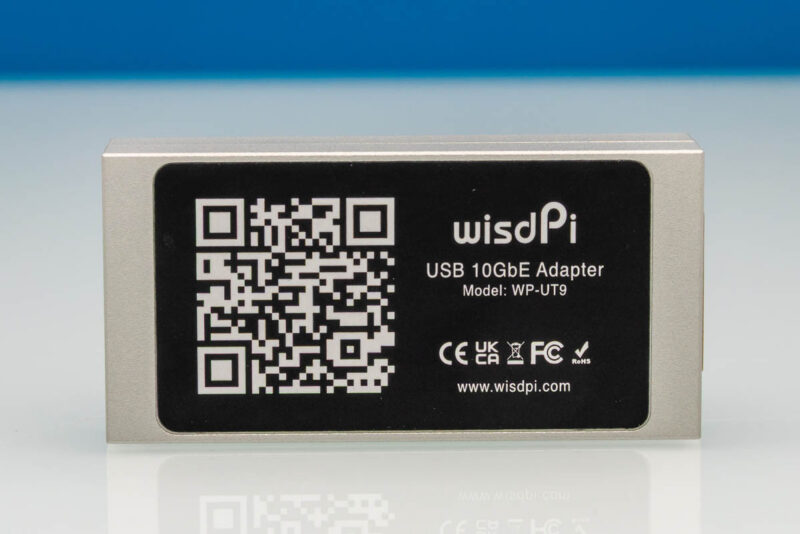
Clean aluminum construction covers the bottom of the enclosure. The label on the bottom, however, is not what one might call beautiful. Or better said, the cable and unit are really compact and smart. Then there is a giant black label on the bottom.
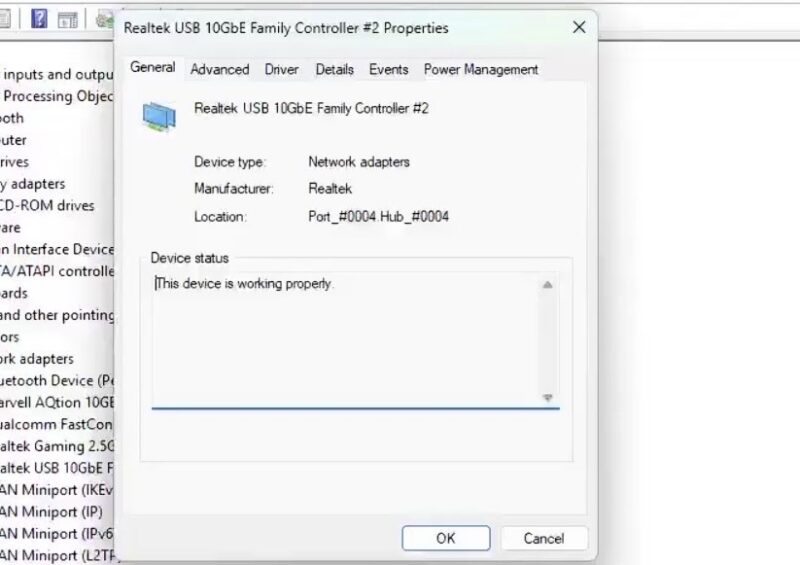
On Windows 11, the adapter is identified by the Realtek RTL8159 driver. Device Manager shows the controller is recognized properly once drivers are installed.
Driver support has improved since we reviewed the Xikestor adapter. RTL8159 driver integration is now queued for Linux 7.2, having been merged into the net-next tree for the r8152 driver. Earlier kernels will still require Realtek’s out-of-tree driver or a distribution backport.
Functionally, this remains a simple device with an Ethernet port on one side and a USB Type-C port on the other. Housing and cable differ from the Xikestor unit we reviewed, but the internal controller and expected performance characteristics match closely.
Next, let us plug this in and see how it performs.



I’v purchased it for around three months ago.
No issues, very stable, no interruptions etc.
Recommend
I’ve been curious about these this as I recently brought a Threadripper (TR) system with 2x10gbe ports and the isn’t an easy way to add a 10gbe port without hanging off the PCH (see rant below). One of these would be a good option, before jumping to 100gbe (they’re pretty cheap on eBay) to connect my main desktop (I don’t mind cutting the x16 slot in half).
An important note is that most USB ports are connection directly to the CPU’s IO die, meaning it isn’t putting yet more pressure on the PCH(s), which are limited to a PCIe4.0 x4 interface (they amount of stuff hanging off them is ridiculous (seriously, look at a motherboard diagram), it hasnven’t received a major update since x570/ 2019). Check you motherboard many & test. Also, this isn’t only on AMD, Intel is much the same (ironic that you need a new motherboard each generation, yet largely using the same (although Intel recently switched to PCIe4 x8*👍).
Modern AMD desktop sucks. They keep adding more and more stuff yet still limited to 2x memory channels (2DPC is a minefield, it was already bad on AM4). I hope their next socket supports 4x channels with Ryzen 9. AMD needs a new socket ASAP, when the laptop SoCs run rings around desktop performance (AMD could add more memory channels). 395’+ PCIe port is PCIe4 x4 (forget adding 100/200 gbe NICS – AMD missed a trick here!)
*Funfact: TH has a PCIe4 x8 link to the PCH, yet it is rarely used (actively avoided with so many PCIe lanes available). Most TR boards have a “X570 options” menu in the in the BIOS, so it can be done. /rant
PS: Make your form timeout/ refresh longer!