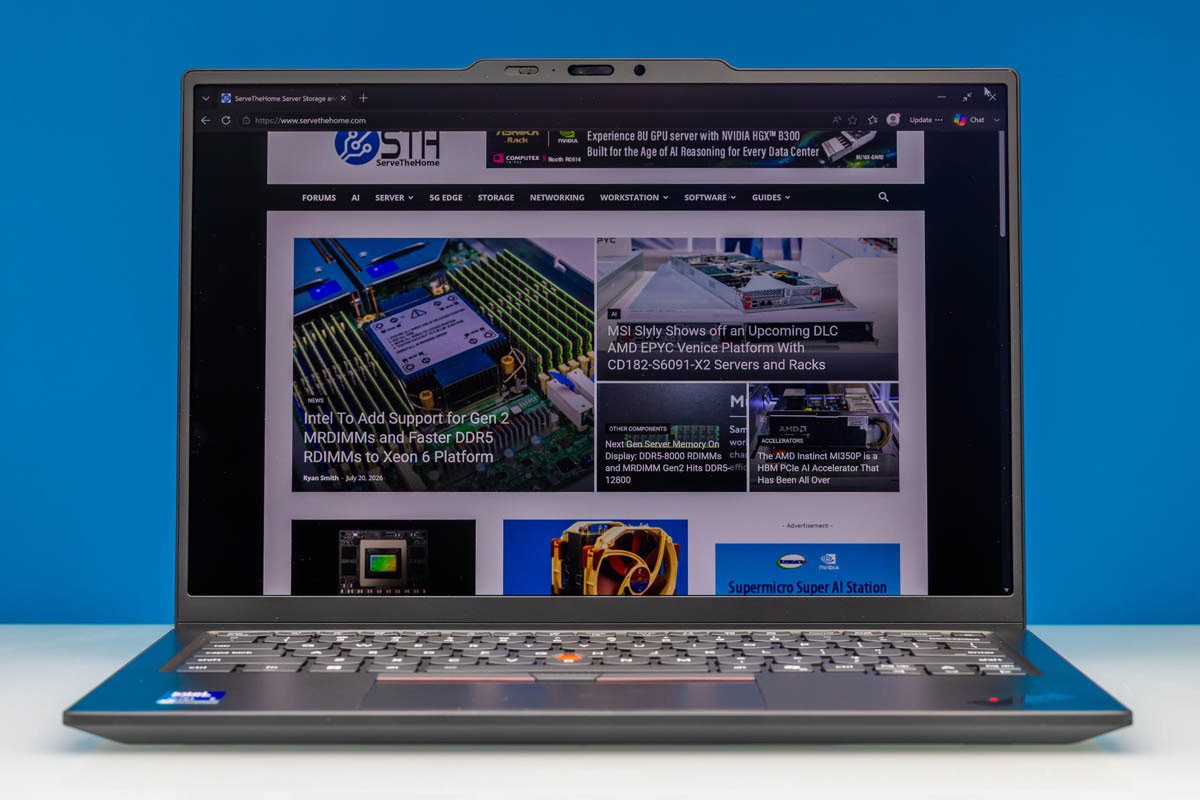
The Lenovo ThinkPad X1 Carbon Gen 14 comes from a long line of thin-and-light laptops. The X1 Carbon has been around for a long time, and for much of its history, it has defined what a slender Windows PC could be. Since we have been adding a few more notebook reviews lately, we wanted to get this one in for testing to compare it to the Dell XPS 14 2026 that we recently reviewed. Let us get to it.
Lenovo ThinkPad X1 Carbon Gen 14 External Hardware Overview
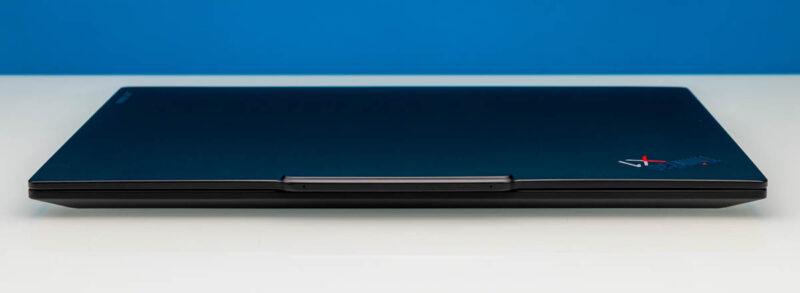
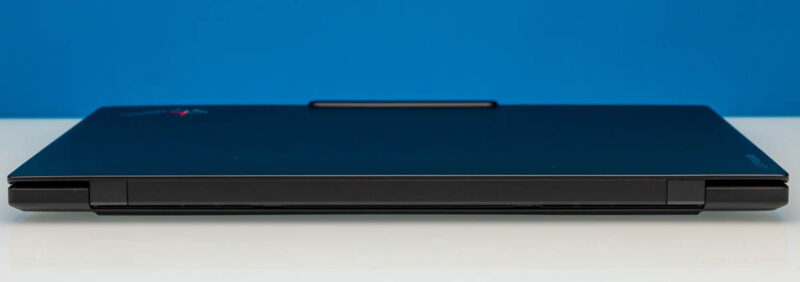
Low weight shapes the entire chassis. Lenovo lists a carbon fiber display cover with a magnesium or aluminum bottom, depending on the display configuration, and the profile tapers from 7.7mm at the front to 14.3mm at the rear, with a maximum thickness of 16.85mm overall. From the front edge, the closed lid carries the ThinkPad logo on that dark cover.
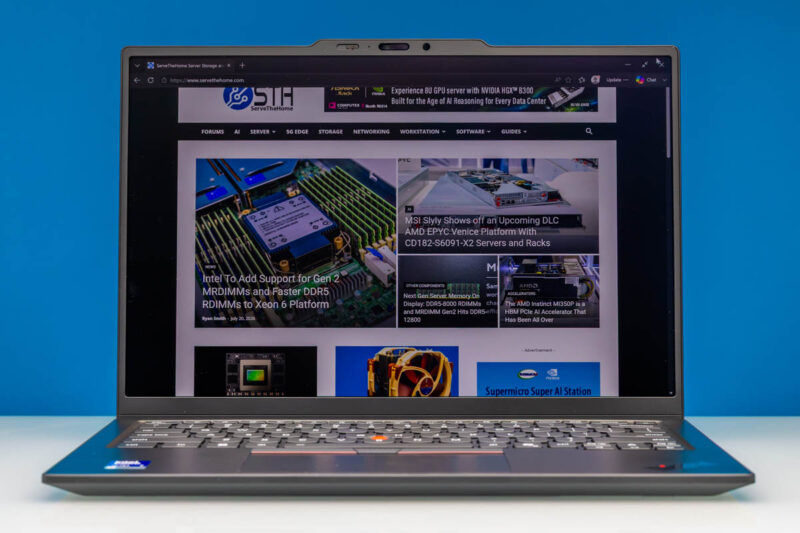
The layout is familiar to ThinkPad users once the lid opens. A top-bezel camera and sensor area sit above the display. A keyboard with a TrackPoint and a trackpad, available in either standard or haptic, is below it. Lenovo lists two very different family options for displays. There is a 14-inch WUXGA 1920×1200 IPS panel at 60Hz and a 2.8K 2880×1800 OLED at 120Hz.
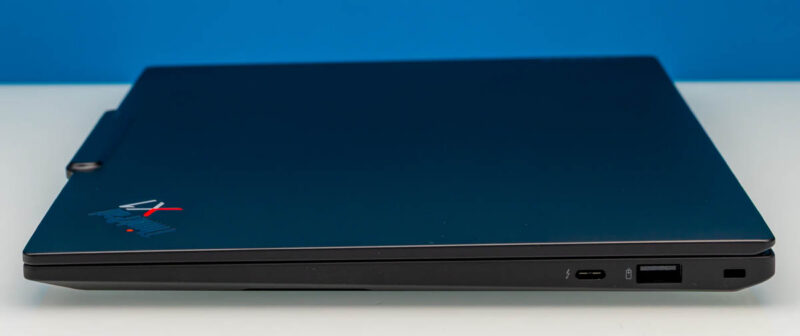
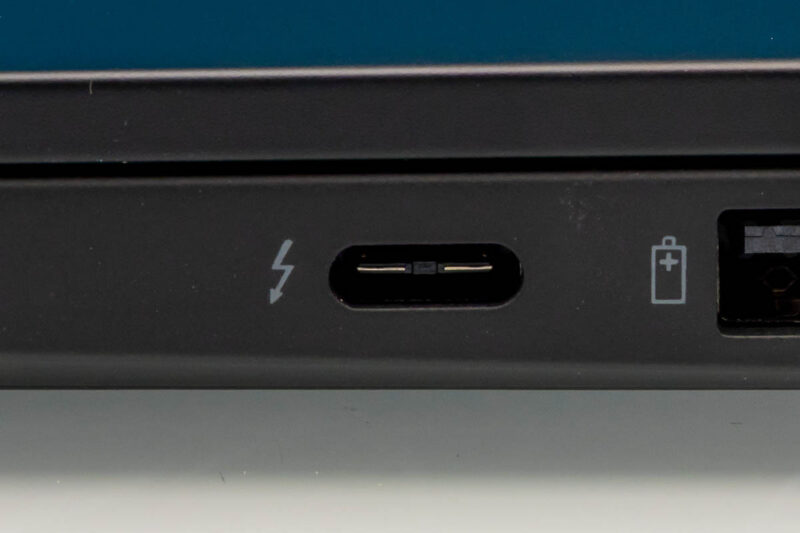
For many notebooks in this class, a challenge comes down to the ports because space is at such a premium. This right side carries a single USB-C Thunderbolt 4 port, a USB Type-A port, and a rectangular chassis control. That USB-A makes the point that this is not another USB-C-only ultraportable, since Lenovo kept room for common connectors instead of trimming the list to the minimum.
On the right, we see a single USB Type-A port that supports 5Gbps. Type-A ports are often relegated to docks and USB hubs in this segment, so this was great to see.
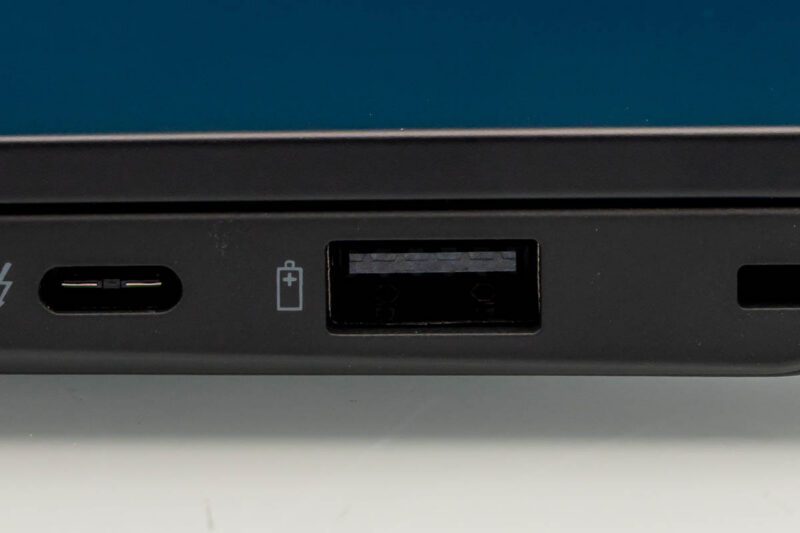
Next to that, we have a USB-C Thunderbolt 4 connector.
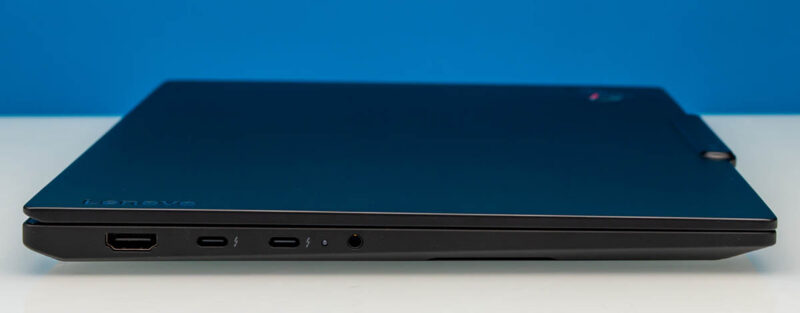
The left side handles the rest of the wired connectivity with an HDMI port, two USB-C Thunderbolt 4 ports, and the 3.5mm headset jack.
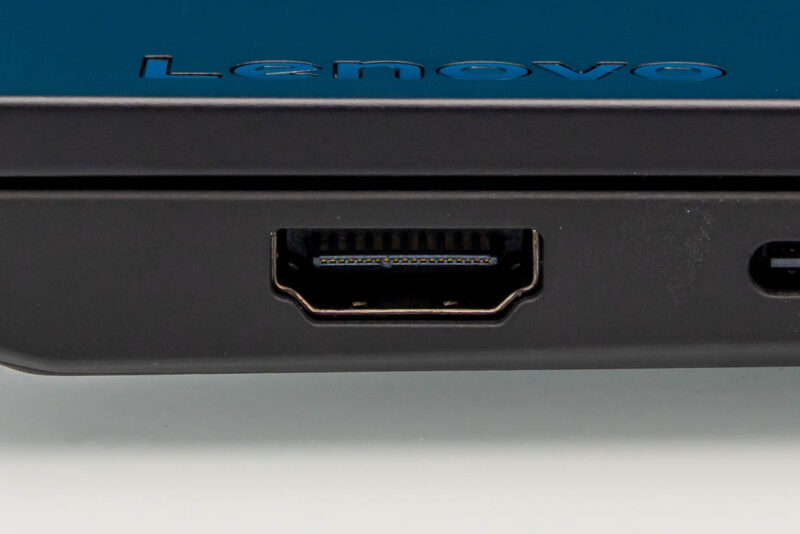
Among the ports on the left side, you have the HDMI 2.1 connector, rated up to 4K at 60Hz.
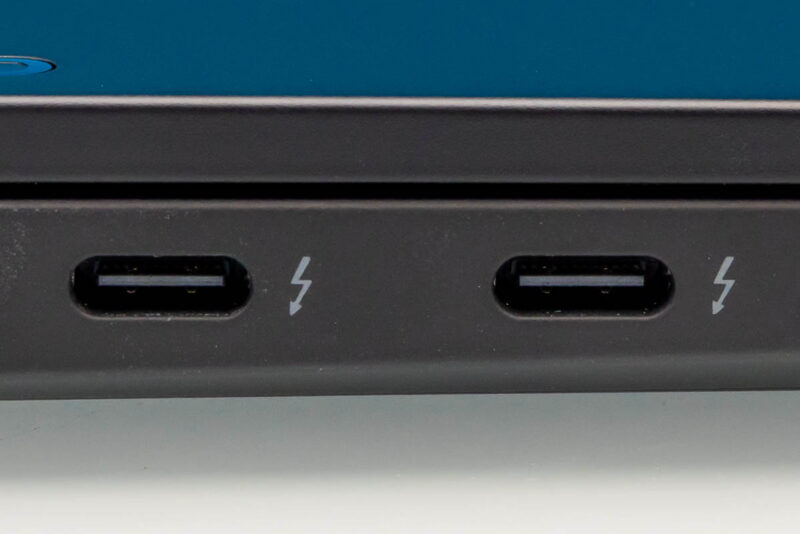
Beside it, two of the three USB-C Thunderbolt 4 connectors for three total.
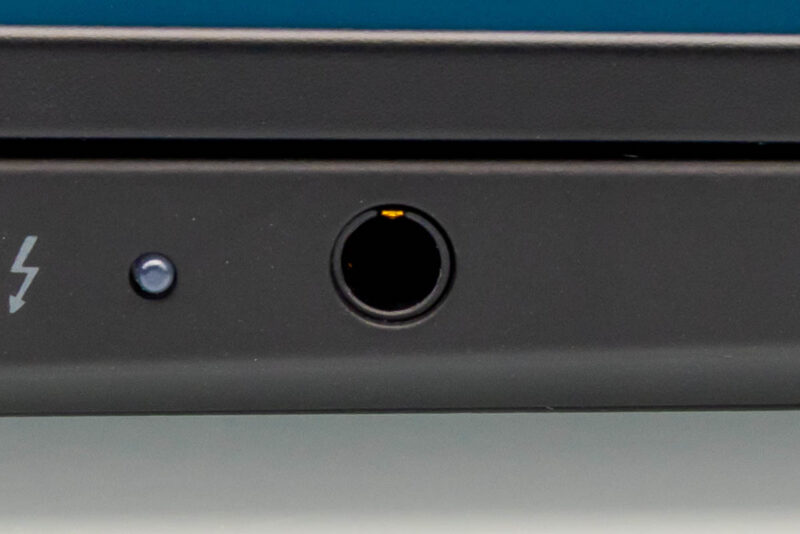
Next to those sit the 3.5mm headset jack, so wired audio does not need an adapter either.
At the rear edge, the closed chassis carries the hinge and the display, and the profile taper shows as the 7.7mm front edge grows to 14.3mm in back. Non-touch overall dimensions come in at 312.50 x 215.75mm, with touch configurations slightly thicker.
For a system that starts below 1kg, the physical port set remains relatively broad. Internal expansion is narrower. Memory is soldered with no upgrade slots, so capacity becomes an order-time decision. Storage lives in a single M.2 slot, which means replacing the installed drive rather than adding a second one. Wireless comes from Wi-Fi 7 options, though there is no onboard Ethernet, so wired networking needs a dock or adapter. Lenovo also says Thunderbolt display output can reach up to 8K at 60Hz, subject to a documented display-pipe limitation.
Now, let us go ahead and take a quick look at the internals of the Lenovo ThinkPad X1 Carbon Gen 14.