

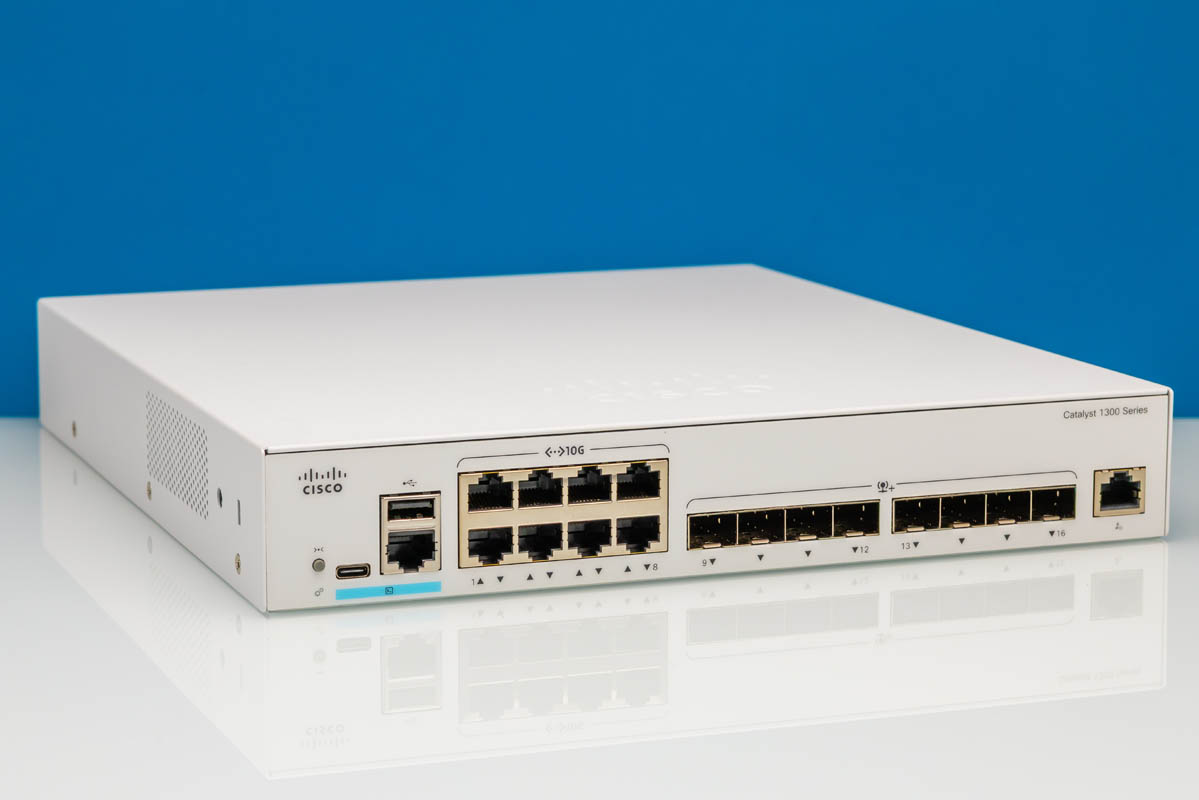
We have looked at a number of inexpensive 10GbE switches recently, but the Cisco Catalyst C1300-16XTS is a different kind of product. This is a managed 10GbE switch with a Cisco software and support story behind it, not simply a low-cost unmanaged box with a set of ports. Here we have a 16-port 10Gbase-T switch with SFP+ uplinks, so the big question is whether the extra management depth makes sense versus cheaper alternatives.
Here is an Amazon affiliate link to the switch we purchased. You can get a refurbished version at this Amazon affiliate link.
Cisco Catalyst C1300-16XTS External Hardware Overview
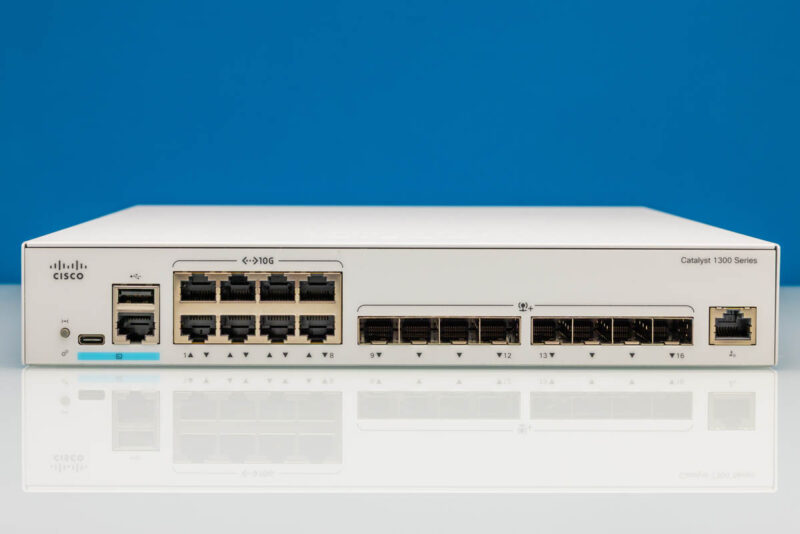
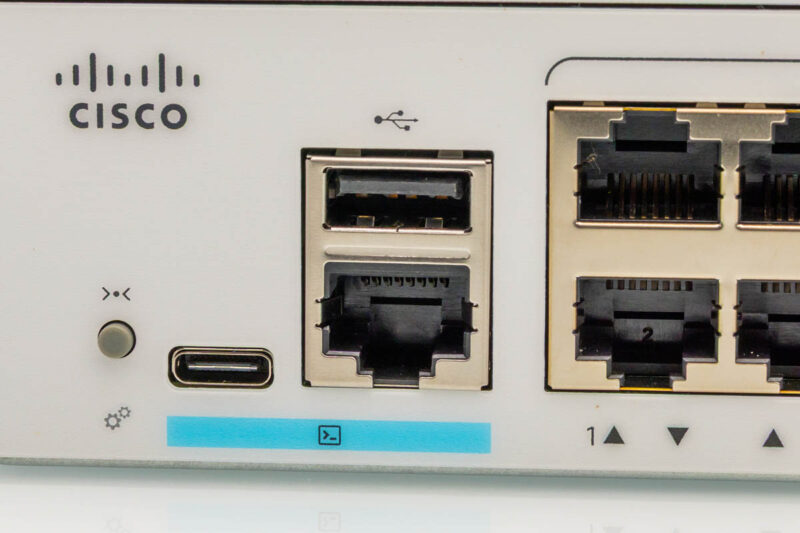
Starting with the front of the switch, Cisco keeps the layout straightforward. Ports, status LEDs, and management access are all on the front edge, which makes the C1300-16XTS easy to cable and monitor in a rack or on a bench. The chassis is still compact enough that it does not feel like a large enterprise aggregation switch.
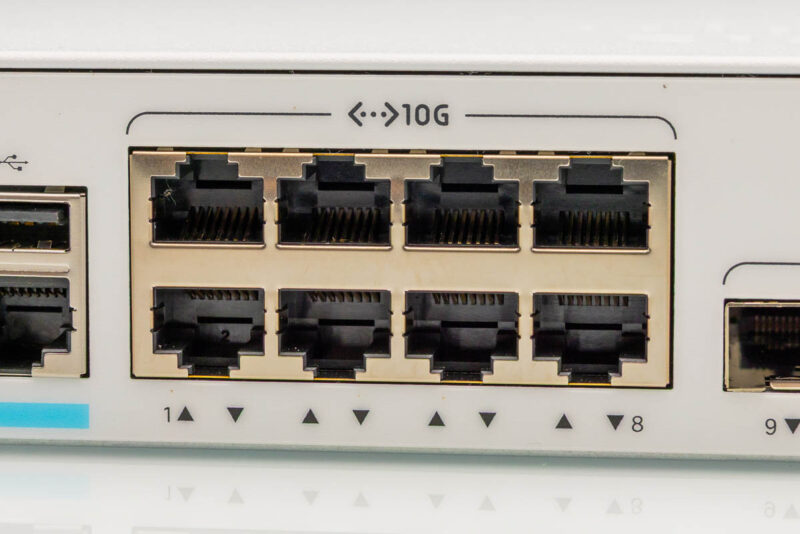
This close-up shows the RJ45 side of the switch. For many readers, this is the reason to buy the unit. A bank of 10Gbase-T ports that can connect workstations, servers, NAS units, or lab nodes without using SFP+ adapters on every endpoint.
Zooming out shows the full RJ45 port block. Cisco labels the ports clearly, and the link/activity indicators are positioned below the ports where they can be checked quickly during troubleshooting.
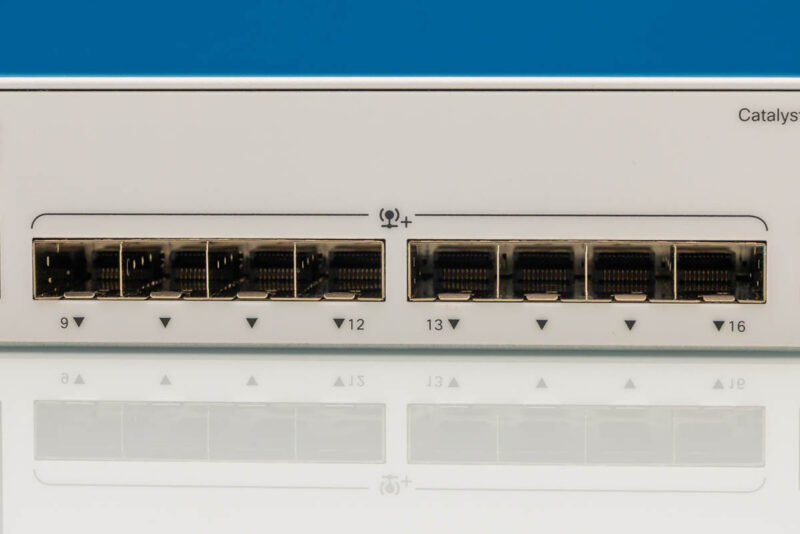
On the right side of the front panel, the SFP+ cages provide uplink flexibility. These are useful for fiber runs, DACs, or higher-level switch connections where SFP+ is the more common format. Having both 10Gbase-T access ports and SFP+ uplinks is one of the more useful parts of this port mix.
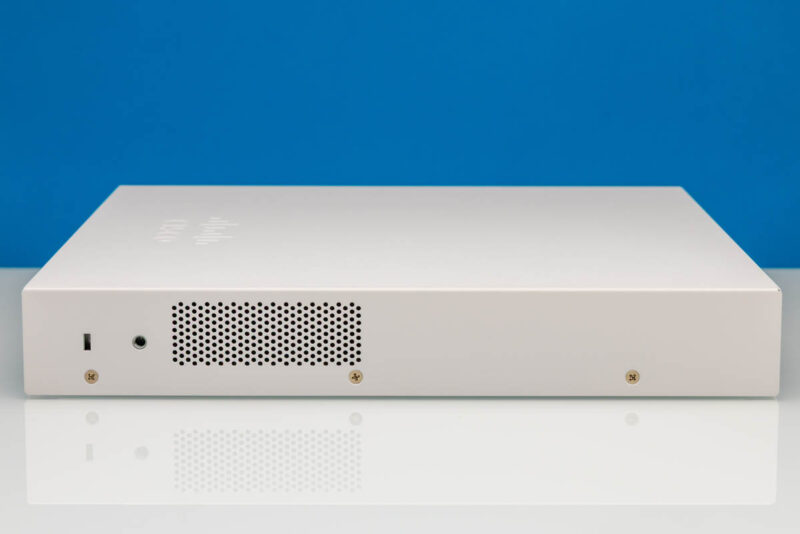
Looking at the side of the chassis, we can see that this is not an especially deep switch. That helps in shallow racks, lab shelves, and office installs where a full-depth enterprise switch would be awkward. Vents along the chassis are important because 10GbE switches need a real cooling path.
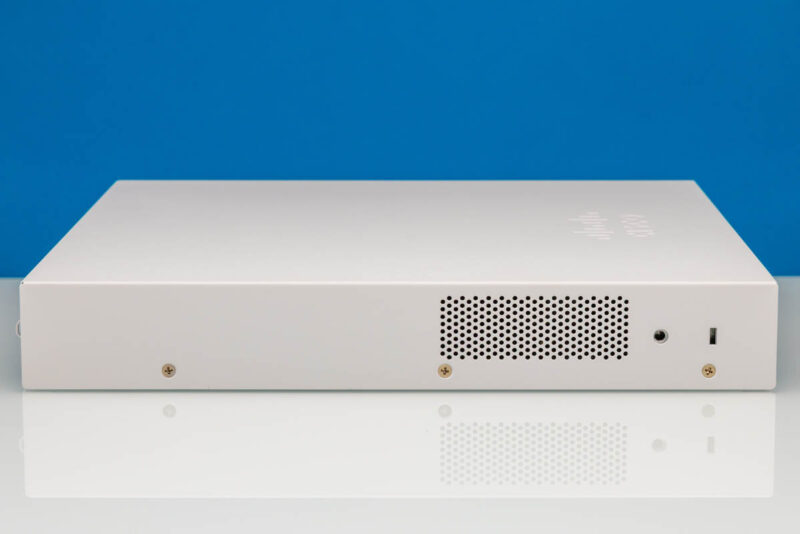
The opposite side has the same practical metal chassis construction. This is not the decorative enclosure style we see on many inexpensive desktop switches. It feels more like a small business switch built to live in an equipment closet, but it could just as easily sit desk-side.
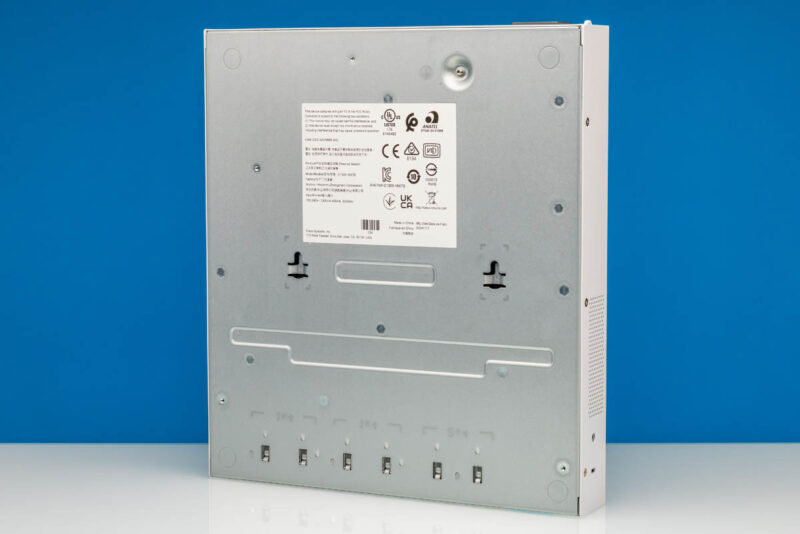
On the bottom, Cisco includes the regulatory label area and the feet for desktop use. Small details like feet and label placement matter less in a rack, but they are handy if the switch is used on a shelf during setup or in a lab.
Around the rear, we get a cleaner view of the backside layout. This is where the switch differs from many lower-cost units that rely on an external power brick. Rear power keeps the front focused on data cabling and status visibility.
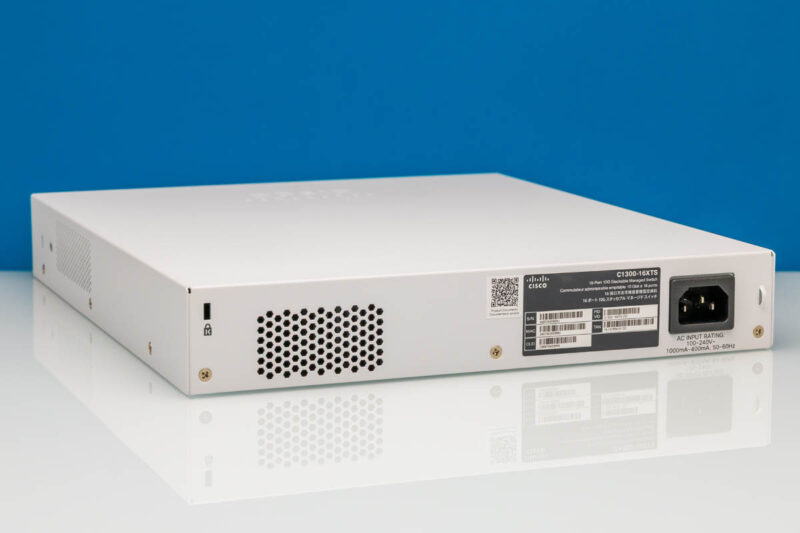
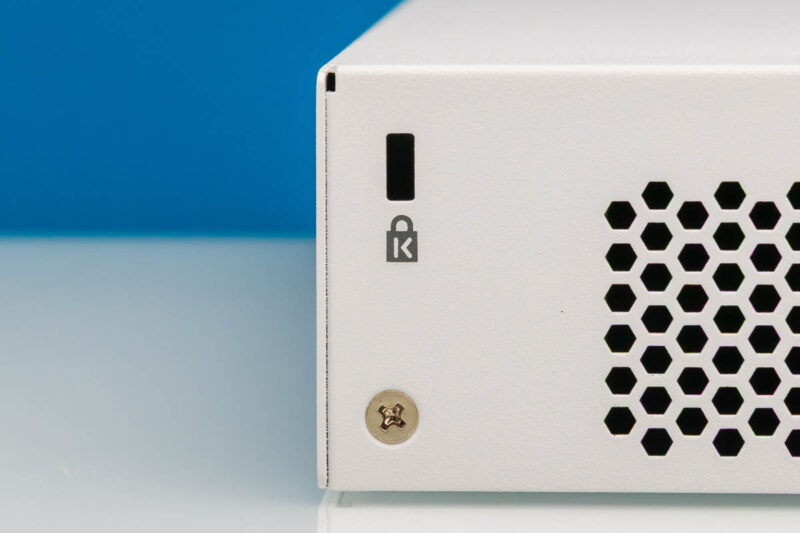
Cisco also includes a Kensington lock slot. That is not something every lab will use, but it can matter in office, demo, classroom, or shared equipment spaces where the switch may not be inside a locked rack.
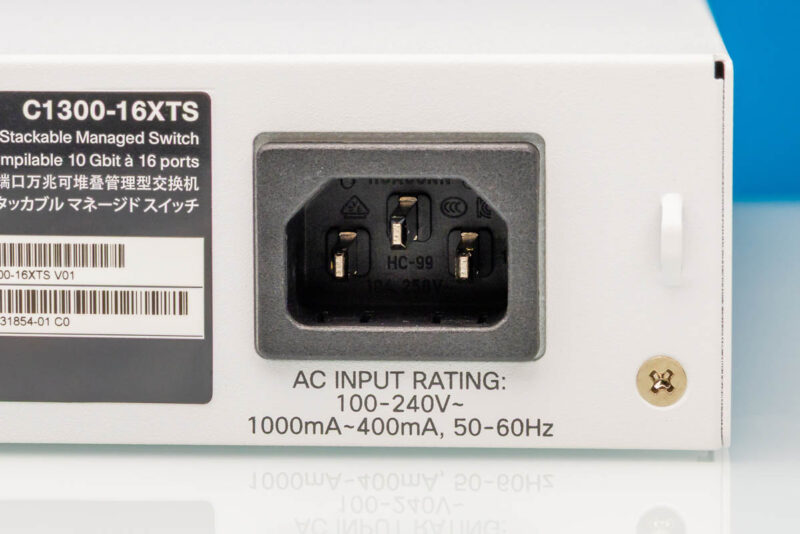
Power comes in through a standard AC inlet. That is preferable to a loose external power brick for a switch in this class, especially when it is going into a rack or equipment shelf.
Next, let us get inside the switch.


Any chance we could get a confirmation on the 10G-BaseT Copper ports supporting 2.5g/5g? Also I didn’t see any noise numbers in the review?
Cheap?! The switch is over 2k new…FYI you never mentioned the price or the noise levels.
@Switch Gears: Where in the article did they say it was cheap? They kept talking about how expensive it is. The price was in the Amazon link in the second paragraph.
Finally a company who designed a switch for the future.
we all are evolving from UTP to SFP+, but still the need POE , which is missing on the UTP ports.
So we still have to split the between a SFP+ and a separate UTP POE+ switch to cover all your needs. also price wise
Why is it sooo difficult to make a switch covering all needs in ONE.
SFP+ plus Min 8 UTP POE(+) Ports for $500
Cisco, a POE version of this, please. Please please olease